
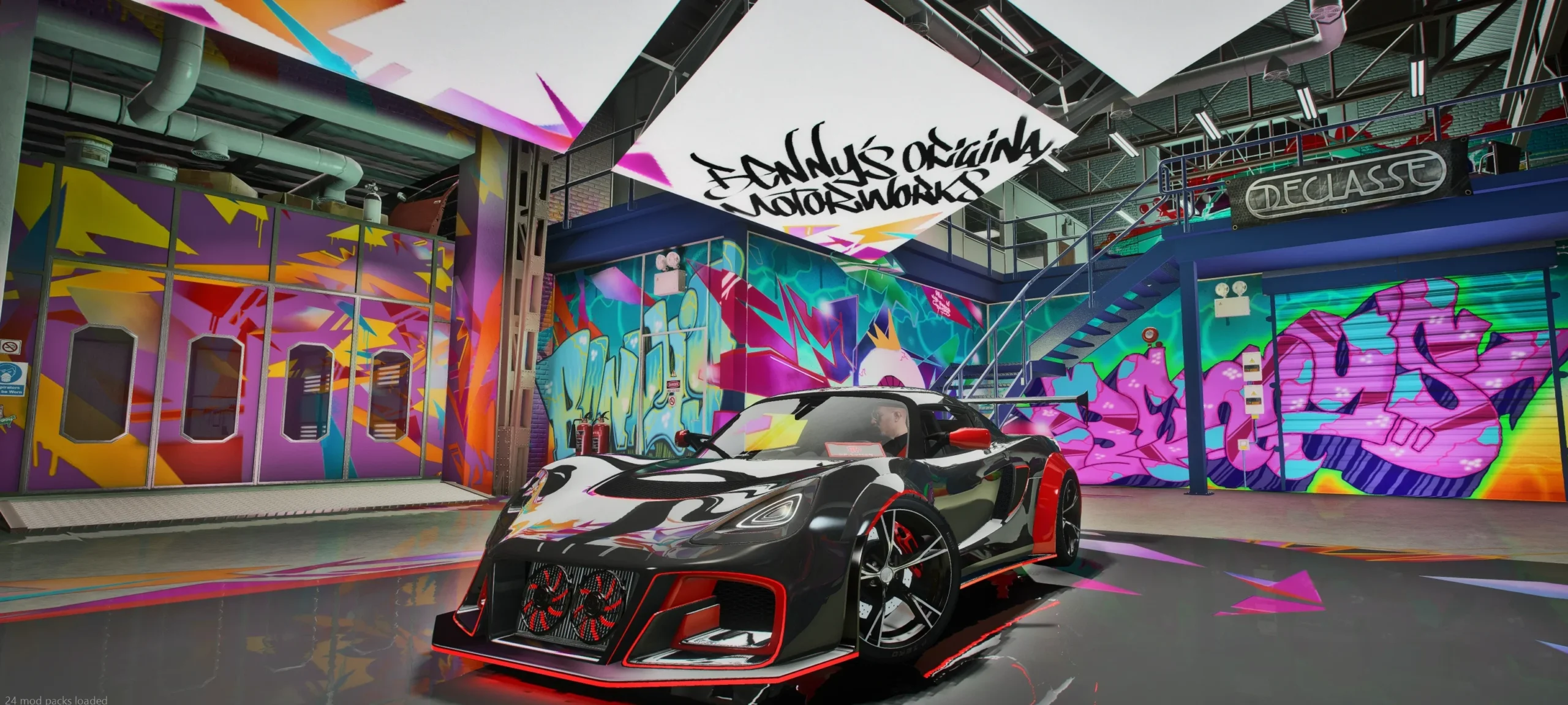
Liveries turn the same car into a police cruiser, a taxi, a racing car or a branded company vehicle. In this guide you will learn how liveries work on FiveM cars, the two main types, how to design one and how to install it so players can switch it in-game.
Two types of livery on FiveM cars
Texture liveries (sign textures)
The classic method. The car has a livery layer mapped on its UVs, and each livery is a texture inside the car’s .ytd, usually named like carname_sign_1, carname_sign_2 and so on. Players choose between them with the livery option of the vehicle. It is light, fast and the most common option for police and service fleets.
Mod kit liveries (tuning parts)
Here each livery is a separate model part that appears as a tuning option, configured through a mod kit in carcols.meta. It allows more liveries per car and is common on drift and racing builds, but it needs more setup.
What you need
- The car’s livery template: a UV map that shows where every panel sits on the texture.
- An image editor such as Photoshop, GIMP or Photopea.
- A tool to edit
.ytdfiles, such as OpenIV or CodeWalker.
Without a good template, designing a livery is guesswork. That is why we prepare cars with the livery setup and the UV template included, so owners can make their own designs.
Step by step: designing a texture livery
Step 1: Open the template
Open the UV template in your editor and keep it as a top layer at low opacity, so you can see the panels while you design underneath.
Step 2: Design on layers
Work in layers: base color, stripes and shapes, logos and text, then small details. Keep text and logos away from UV seams so they do not get cut between panels.
Step 3: Respect transparency
Transparent areas show the car’s paint underneath. That lets players combine your livery with any primary color, which is perfect for stripes and decals.
Step 4: Export at the right size
Export the texture at the same resolution as the original livery slot (usually 1024 or 2048 pixels). Bigger textures add streaming load for little visual gain; read how to optimize FiveM vehicles for more.
Step 5: Import it into the .ytd
Open the car’s .ytd, replace or add the _sign_ texture with exactly the expected name, save it and restart the resource.
Common livery problems
- The livery does not appear: the texture name does not match the one the model expects, or the car has no livery layer at all.
- Stretched or misplaced design: the design was not made on the car’s own template.
- Logos cut between panels: move them away from UV seams.
- Only one livery available: the number of liveries in
carvariations.metaor the mod kit does not match the textures you added.
Liveries on public and monetized servers
Real company logos (car brands, sponsors, real police departments) can cause problems on public and monetized servers. Use your own server branding, GTA-universe companies or original designs. Our guide on lore friendly vs TOS compliant cars explains why.
Wrapping up
A good livery setup makes every car more useful for your server: one model can cover police, taxis, racing teams and businesses. Want a car designed only for your server, liveries included? Ask for an exclusive 1 of 1 build, or browse our FiveM cars. Questions? Join our Discord.
Need cars for your FiveM server?
65+ optimized add-on vehicles – lore friendly concepts, widebody builds, SUVs and limos – with instant download and support on Discord.
3D vehicle artist creating custom FiveM cars since 2021: lore friendly concepts, widebody builds and exclusive 1 of 1 vehicles for GTA V roleplay servers.